
myTraining Tutorial
Accessing courses in myTraining
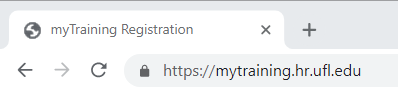
- Using Chrome or Firefox, enter myTraining.hr.ufl.edu in the URL address bar
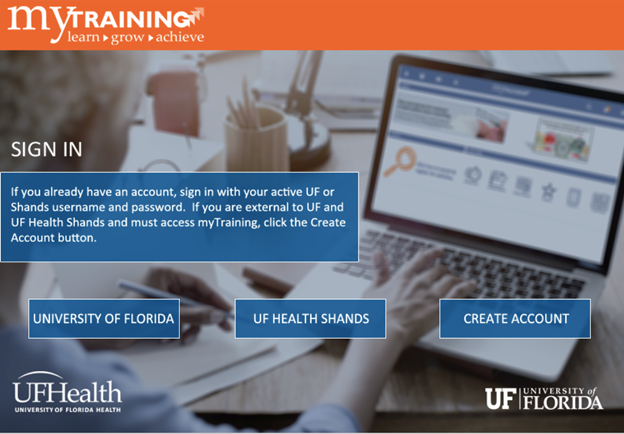
- Select the appropriate button to enter the system
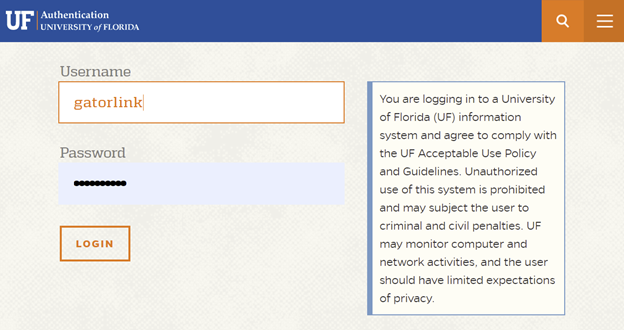
- Enter your Gatorlink and password – Click the Login button
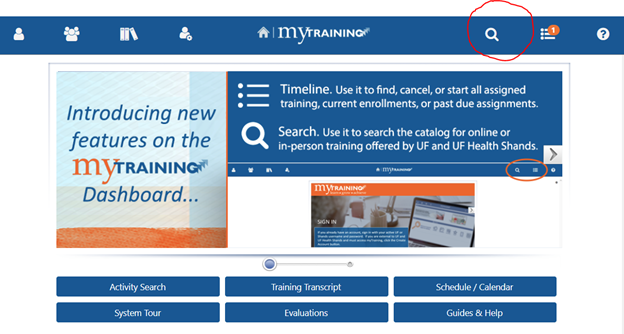
- Click the Search tool to search for course by code or name
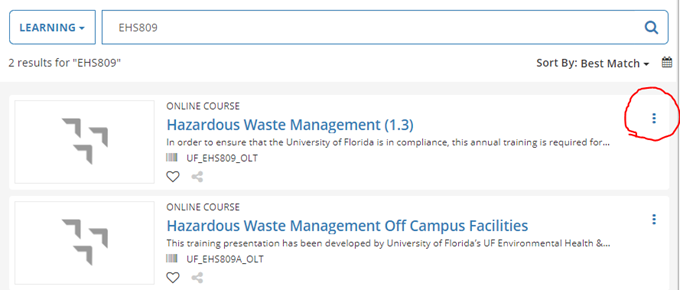
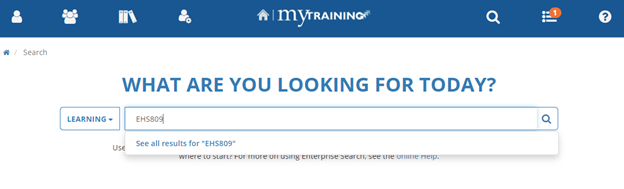
- Enter the course code or name and press enter or search icon
- Click on the course name or the menu buttons on the right hand side to start